When someone nearby searches for “electrician near me” or “bakery in Portland,” search engines try to show the most relevant, trustworthy, and nearby businesses. Local SEO is the work of making sure you are one of them.
You don’t need an agency to get the fundamentals right. These are the basics that matter most, in priority order.
1. Claim and complete your Google Business Profile
For local searches, your Google Business Profile (formerly Google My Business) is often seen before your website. It is free. Fill in everything:
- The correct business name, category, and service area or address
- Hours, including holiday hours
- Phone number and website link
- Real photos of your work, team, and premises
- Services or products, with short descriptions
Do the same on Bing Places and Apple Business Connect, so you show up in Bing and Apple Maps too.
2. Keep your name, address, and phone identical everywhere
Search engines cross-check your business details across your website, your profiles, and directories. Use exactly the same name, address, and phone number (often called NAP) everywhere. “St.” on one site and “Street” on another is minor, but a different phone number or an old address is not.
3. Ask for reviews, and answer them
Reviews influence both rankings and whether people choose you. Ask happy customers directly, and make it easy with a short link to your review page. Reply to reviews, including critical ones, politely and specifically. Never buy or fake reviews: it breaks the platforms’ rules and can break consumer-protection law.
4. Make your website say clearly what you do and where
Your website supports your profile and gives search engines context. Check these on your homepage:
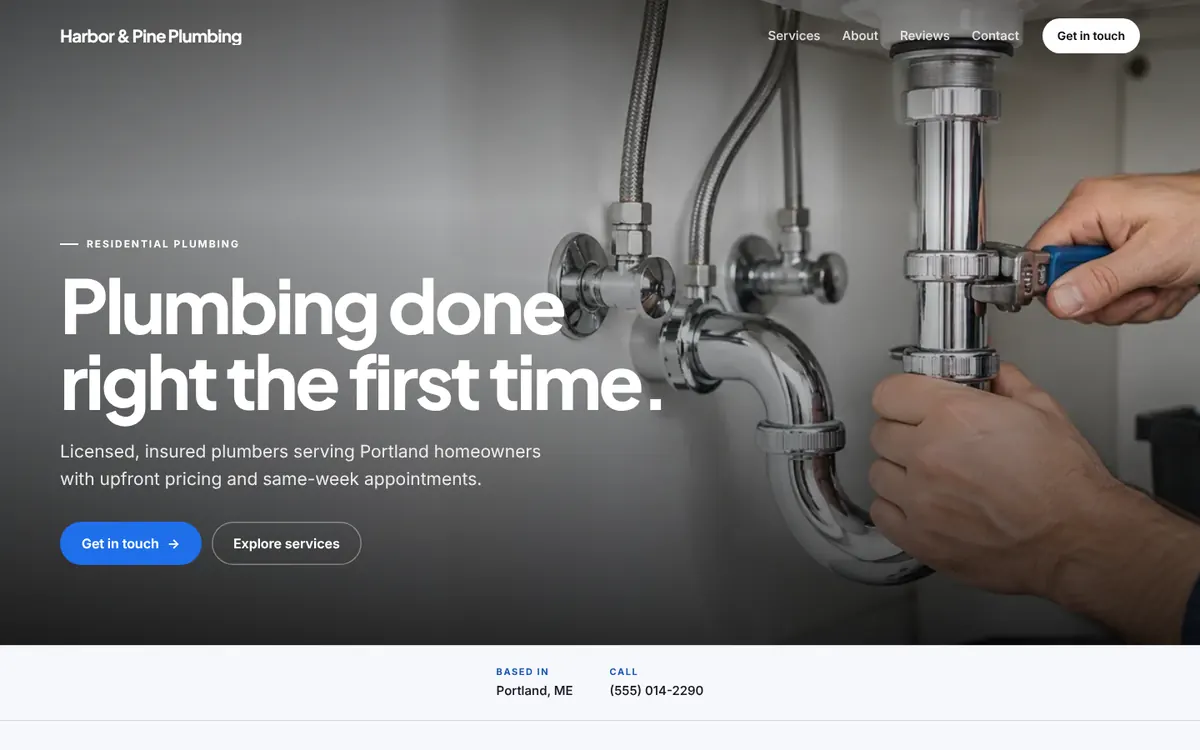
- Title tag: include your main service and area, such as “Plumber in Portland, ME | Harbor & Pine.”
- Headline: say what you do in words customers use.
- Service area: name the towns or neighborhoods you serve, written as text.
- Contact details as text: not inside an image, so they can be read and tapped.
- Meta description: a one- or two-sentence summary that makes someone want to click.
5. Be fast and mobile-friendly
Most local searches happen on phones, and Google primarily evaluates the mobile version of your site. A lightweight, responsive page that loads quickly on a cellular connection helps visitors and search engines alike. Large uncompressed images are the most common culprit on slow small-business sites.
6. Add structured data
Structured data is code that labels your business details for search engines, for example with the LocalBusiness type from schema.org. It does not guarantee anything, but it removes guesswork about your name, address, hours, and phone number. Google’s free Rich Results Test lets you check it.
7. Connect Search Console
Google Search Console is free and shows which searches you appear for, which pages are indexed, and any problems Google found. Submit your site there as soon as it goes live, and check it occasionally. See our guide to publishing a website you own for the launch steps.
8. Earn local mentions
Links and mentions from local sources tell search engines you are part of the community: your chamber of commerce, local business associations, suppliers you work with, sponsorships, and local news. Relevant mentions beat large numbers of low-quality directory links.
What not to waste money on
- Services promising “#1 on Google” or guaranteed rankings. No one can promise that.
- Bulk listings on hundreds of unrelated directories
- Stuffing city names into every sentence. Write for people.
A solid foundation, built in
Wehb.pro websites are responsive, lightweight, and structured with a clear headline, services, reviews, and contact details: the on-page basics this guide recommends. Pair yours with a complete Google Business Profile and you have covered the fundamentals. See example websites.
Search engines change their products and guidelines over time. Check Google’s and Bing’s current documentation for the latest details.